

Build your invitation in minutes, share one link with everyone.
Pick a ready-made design, fill in your names and the date. Send the link and see who is coming from one screen. No sign-up needed, pay only when you publish.

One link for every detail of the day.
Everyone coming, on one screen.
Guest replies, party sizes and notes land in one clear list instead of scattered messages.
Explore this feature QR codeLet one square open the invitation.
Add the QR code to a table card or welcome sign so guests can scan and open the invitation.
Explore this feature Map and directionsEnd the “Where is the venue?” search.
One tap opens the location in the guest’s map app and starts turn-by-turn directions.
Explore this feature Easy sharingSend the link; the preview is ready.
Share your invitation on WhatsApp, by text or on social media with its title and image attached.
Explore this feature Memory vaultEvery guest photo, in one place.
Photos, videos and messages collect in your private memory space instead of disappearing across phones.
Explore this featureMore than an invitation
We stay with you after the invitation goes out: track who is coming, collect photos from your guests, and run the whole day from one place.

Online invitation
Build your personalised invitation in minutes.

Make the theme yours
Adjust colours, names, dates and details to fit your story.

RSVP answers
Who is coming and who cannot make it, tracked on one screen.

Easy sharing
Send your link over WhatsApp, SMS or social media.

Every angle, captured, in one vault.
Collect the photos, videos and messages your guests leave behind in one private place, before they scatter across phones.
Gather photos, videos and voice messages in one place
Share it with a link made for your invitation
Manage every memory from your own dashboard
The classic ask, brought online.
Share your own proposal page and watch the accept-or-decline answer land the moment it happens.
A page made just for your proposal
Accept and decline flow
Instant alert the moment they answer


Who is coming, on one screen.
Collect guest answers through your invitation. Track who is coming, who cannot make it and what has just arrived, all in one place.
Latest replies
Answers land in the list as they arrive.
A notification on every new RSVP
You are notified when a new answer comes in.
Let us be clear up front
Preview your invitation the moment the theme, names, date, venue or any detail changes.
See all designs
Live in three steps
Start without an account. See your invitation first, publish it when you like it.

Choose a design
Open a template you like and start editing right away. No sign-up.

Fill in the details
Names, date and venue. Every change shows up in the preview instantly.

Share and track
Send the link; every reply collects in your dashboard.
Clear pricing, no surprises.
The invitation is a one-off payment. The Memory Vault only moves to a monthly plan if you need more space.
Standard Invitation
The starter package built around the new theme collection.
499 ₺ / invitation
One published invitation
RSVP collection
Unlimited edits before payment
Online until 14 days after the event
Pick the design that fits your story.
Adjust colours, names, dates and details to fit your story.



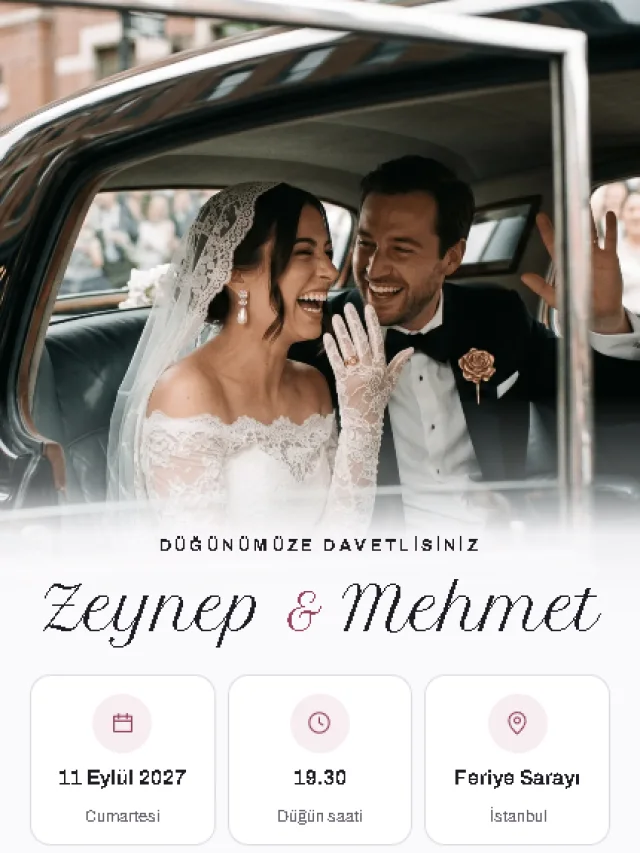
See what your guests will see.
Your invitation opens from a single link; the date, the location and the RSVP stay reachable for your guests. Nobody has to install an app.
Open a sample invitation
Short, direct answers.
The essentials worth knowing before you start.
Send the link over WhatsApp, SMS, email or social media. When you publish, the link preview card, the Instagram story image and the QR code are all generated for you — and the QR code can go on a printed invitation or a table card.
Your invitation stays open until 14 days after the event date recorded at payment. That window cannot be extended afterwards. It exists so guests can still leave photos and messages once the event is over.
Because the publication window is locked to the date at the time of payment, a very distant date would mean keeping the invitation open for many months. Eighteen months balances that against how far ahead people actually plan.
Guests give their answer, party size and any note straight from the invitation. Replies collect in your dashboard, where you can export the list, add entries by hand and edit them. You are notified when a new reply arrives.
Yes. The QR code is generated at print resolution, so it works on a table card, a paper invitation or a sign at the venue. Whoever scans it opens the invitation on their phone.
You create a page and a private share link for your proposal. The other person opens it and either accepts or declines, and you see the answer straight away. You can edit it before sending and withdraw it afterwards.
The plans differ by storage space, and therefore by how many photos and videos you can keep. Every invitation already includes free space; a plan is only needed once that fills up. Retention is the same across all plans.
From the Memory Vault section of your dashboard. You can upgrade the space, change plan or end the subscription. When a subscription ends, your content is kept for the remainder of the retention period.
Reading that helps while you build.
Short guides on invitation wording, managing RSVPs and planning the day.
13 August 2026 · 2 min read
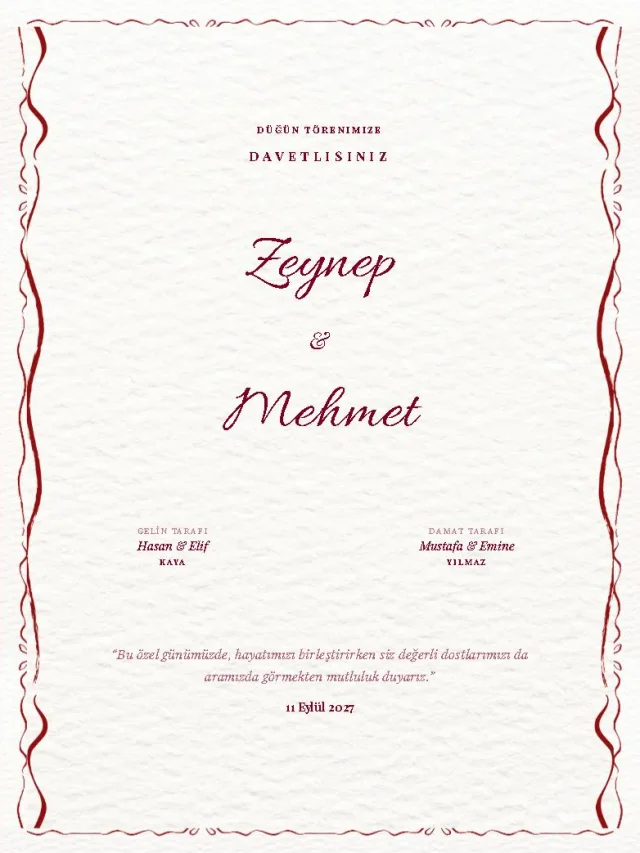
How your invitation link looks in WhatsApp
The small card under the link is the only thing guests see before they tap. Here is what it shows and why it sometimes lags behind.

12 August 2026 · 2 min read
Why the guest list is the most important part of a corporate invitation
At a corporate event the real question is not design but planning: how many are coming, how the seating works, how much catering to order. The guest list answers all three.
11 August 2026 · 2 min read
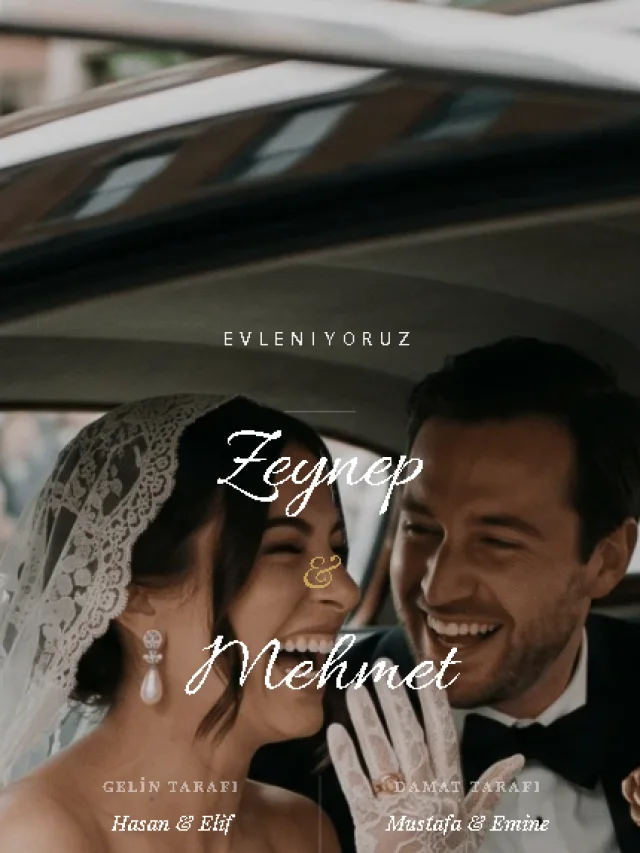
Who should you invite to a graduation?
Most universities give each graduate a limited number of ceremony seats. That limit decides who you invite and how you word it.
Start sharing your moment today.
Pick a theme, build your invitation and bring your guests together on one link.